That old TV in the garage may look like ordinary clutter, but electronics need more thought than a bag of household junk. So, can junk pickup remove electronics? In many cases, yes. A professional junk removal crew can take many unwanted devices off your hands, but the item, its condition, and local disposal rules determine the right next step.
For Jacksonville homeowners, renters, property managers, and small businesses, the goal is simple: clear the space quickly without sending usable equipment, personal data, or hazardous materials to the wrong place.
Can Junk Pickup Remove Electronics From Your Property?
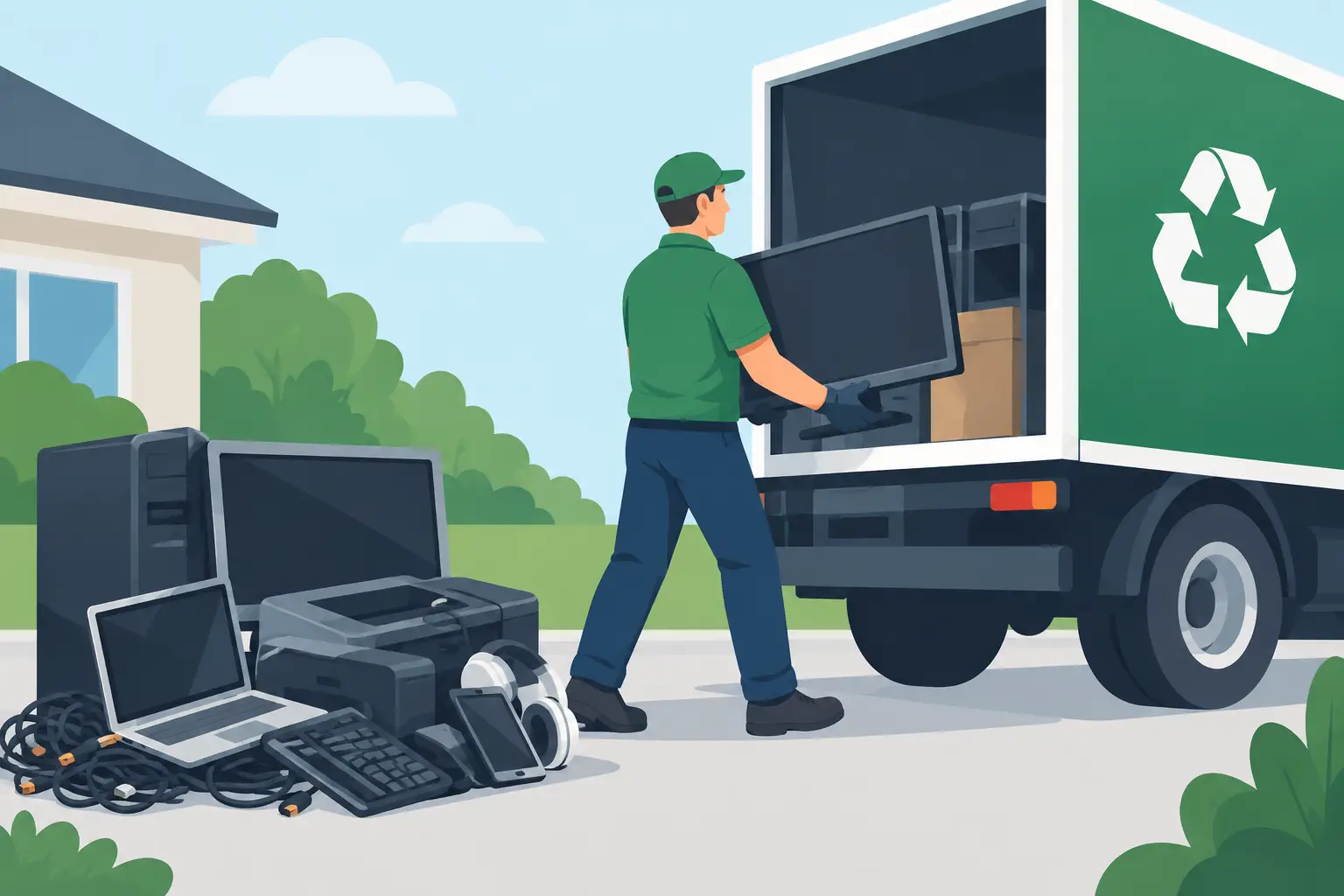
Junk pickup can usually remove common household and office electronics during a cleanout, move, renovation, or tenant turnover. That includes items such as televisions, computer monitors, desktop computers, laptops, printers, scanners, stereos, DVD players, game consoles, speakers, cables, and small kitchen appliances with electronic components.
The right removal company does more than load everything into a truck. Electronics may contain metals, plastics, wiring, batteries, and components that should be recycled or handled through an approved disposal channel. Some devices also have resale or donation value when they still work.
At Extra Mile Junk Removal, the approach is donation-first whenever practical. If an item is clean, functional, and appropriate for a local donation option, keeping it in use is often better than treating it as trash. If it is broken or outdated, responsible recycling may be the better route.
Electronics That Often Need Special Handling
Not every electronic item belongs in the same pile. Larger devices and equipment with batteries, refrigerants, or sensitive data require extra care.
TVs and Computer Monitors
Older tube-style TVs and monitors are heavy and may contain leaded glass. Flat-screen TVs are easier to move but still should not be treated like regular curbside waste. A junk pickup crew can handle the lifting and hauling, then direct the item toward the appropriate recycling or disposal process.
Tell the company the size and type of TV when you request a quote. A 32-inch flat screen is very different from a bulky console television or a wall-mounted 75-inch model. Clear details help the crew arrive prepared and give you an honest price.
Computers, Laptops, Phones, and Tablets
These devices can hold more than old photos. They may contain saved passwords, banking information, work files, customer records, and personal documents. Removal solves the clutter problem, but you are still responsible for protecting your information before the device leaves your property.
Back up any files you want to keep, sign out of accounts, remove SIM cards and memory cards, and perform a factory reset when possible. For computers, wiping or removing the hard drive provides additional peace of mind. If a device belongs to a business, make sure its disposal follows your company’s data-security policy.
Printers, Copiers, and Office Equipment
Small printers are generally straightforward to remove, but larger copiers, commercial printers, and multi-function office machines may require more planning. They can be heavy, awkward, and full of toner or ink cartridges.
Let the removal team know whether the equipment is on the ground floor, upstairs, or in a tight office hallway. Property managers preparing for a new tenant can save time by grouping smaller electronics in one accessible area before the crew arrives.
Batteries and Devices With Built-In Batteries
Loose batteries, swollen lithium-ion batteries, power banks, and damaged battery packs should never be tossed casually into a junk pile. They can create a fire risk if crushed, punctured, or exposed to heat.
Many consumer electronics have built-in rechargeable batteries, and those items may still be accepted for proper processing. The key is disclosure. Point out damaged, leaking, or swollen batteries before pickup so they can be handled safely.
What a Junk Removal Crew May Not Take
A reputable company will be clear about items that need another disposal method. Rules vary by provider and condition, but hazardous materials are commonly restricted. This can include chemicals, paint, fuels, medical waste, explosives, and certain severely damaged batteries.
Some electronics also fall into a gray area. Refrigerators, freezers, air conditioners, and dehumidifiers contain refrigerants and may require specific handling. A company may be able to remove them, but it depends on the unit and the local processing options available at the time.
Commercial equipment can require a separate plan as well. Large server racks, industrial machinery, specialty medical devices, or equipment containing confidential business data should be discussed before scheduling service. A quick description and a few photos can prevent surprises on pickup day.
How to Prepare Electronics for Pickup
A little preparation makes removal faster and protects your privacy. Start by separating items you want to keep from items you are ready to let go. It is common to find remotes, chargers, external hard drives, and documents mixed in with old electronics.
Next, remove personal information. Reset phones, tablets, laptops, smart TVs, streaming devices, and home security equipment. Check printers and copiers for saved addresses, account logins, and stored documents. Do not assume a broken device cannot be accessed.
Then gather accessories that belong with working items. A laptop with its charger or a television with its remote may be more useful to a donation partner than the device alone. If you do not have the accessories, that is fine. Just avoid spending hours hunting for a cable that may not matter.
Finally, make access safe. Unplug equipment, disconnect wall mounts if necessary, clear a path from the item to the door, and keep pets and children away from the work area. You do not need to drag a heavy television to the curb. Professional junk removal is designed to save you from the lifting, loading, and hauling.
Donation, Recycling, or Disposal: What Happens Next?
The best destination depends on the item’s condition. A working, clean, reasonably current device may be suitable for donation. A broken device may be broken down for recyclable materials. An item that cannot be reused or recycled through available channels may need proper disposal.
That distinction matters. Donation is not a promise that every item will find a new home, and recycling is not always available for every piece of equipment in every condition. Responsible removal means making the best practical choice, not making vague claims about where every item goes.
For customers, the benefit is less clutter and less guesswork. Instead of borrowing a truck, figuring out which facility accepts what, and wrestling a heavy monitor down the stairs, you can have the load removed in one appointment. Same-day service can be especially helpful when a move-out deadline, estate cleanout, or rental turnover cannot wait.
When Junk Pickup Is the Right Choice
Junk pickup is a strong fit when electronics are part of a larger load. Maybe you are clearing a garage with old TVs, furniture, boxes, and exercise equipment. Maybe a tenant left behind a printer, a monitor, and a damaged entertainment center. Or maybe your small business is replacing office furniture and has outdated equipment taking up storage space.
If you have one small item and plenty of time, dropping it at a designated recycling location may be a reasonable option. If you have multiple items, heavy equipment, stairs, limited transportation, or a tight timeline, professional removal is usually the more practical call.
Before booking, provide a clear inventory. Mention large screens, old tube televisions, computers, printers, appliances, loose batteries, and any unusually heavy equipment. Transparent information leads to transparent pricing and a smoother pickup.
Old electronics do not need to sit in a closet, garage, or vacant unit for another year. Handle your data, point out any special concerns, and let a dependable removal crew do the heavy lifting so your space can serve you again.